


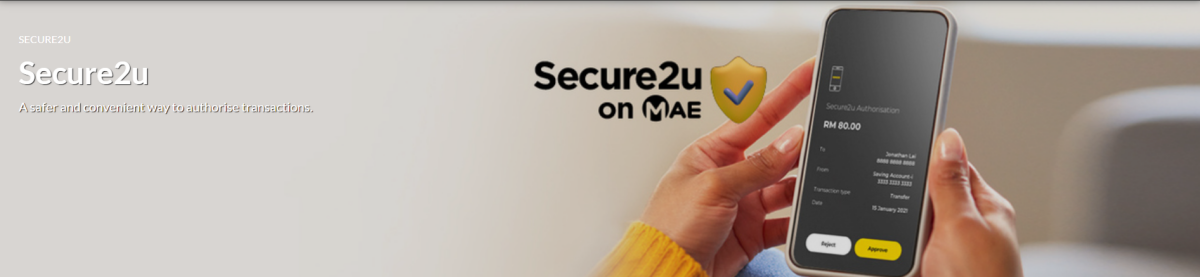
Maybank has changed its online transaction security measures. Secure2u authorisation on the MAE app has been completely replaced by the MSOS Code (SMS One-time Password) for all Maybank Cards online transactions, effective today (6 March).
The change is part of the bank’s efforts to enhance the security of online transactions. Customers should download the MAE app from the Apple App Store, Google Play Store, or Huawei AppGallery and activate Secure2u as soon as possible for smooth transactions.

To activate, go to ‘Secure2u’ under ‘Quick Actions’ in the app, complete registration, and head to a Maybank ATM to finalise activation. A 12-hour activation period applies for first-time setup or new devices, as an added security measure to prevent unauthorised access.
Maybank urges customers to switch to Secure2u to avoid any disruption to their online transactions. More details are available on the bank’s website.
(Source: Maybank)